Guide
From Procreate to a tattoo stencil
Procreate is where a lot of drawings start. Photo Tattoo Stencil is where a drawing becomes a black PDF at a width you can measure. There is no plugin between them. The handoff is a PNG.
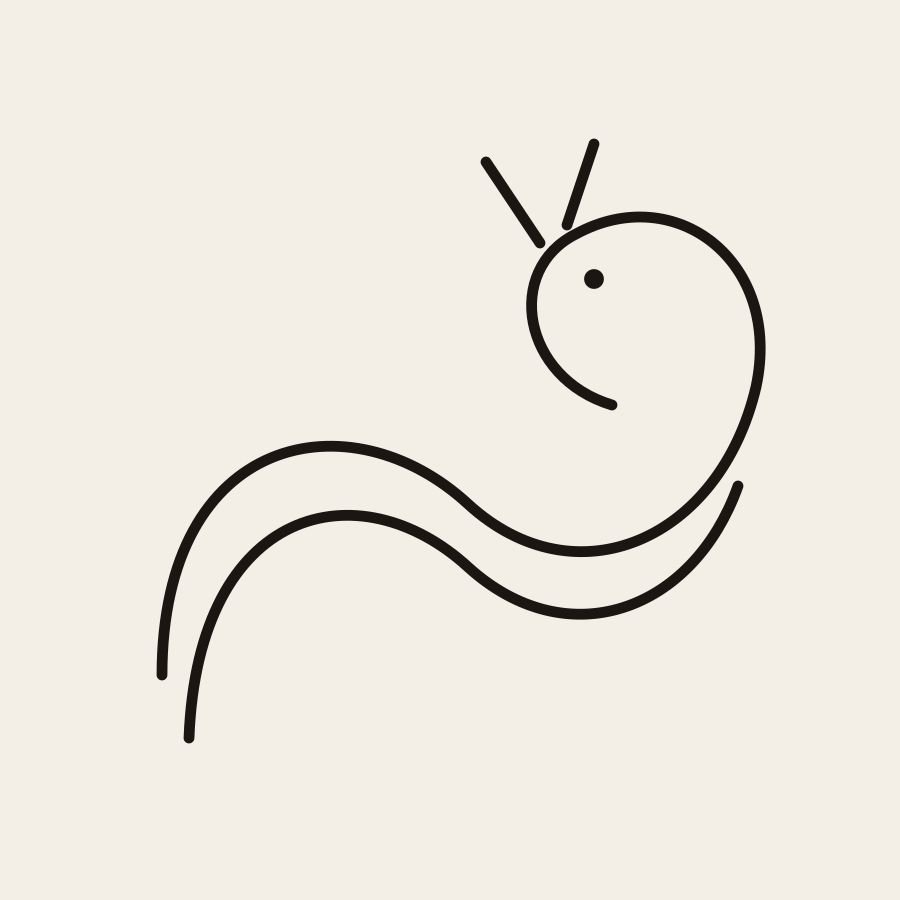
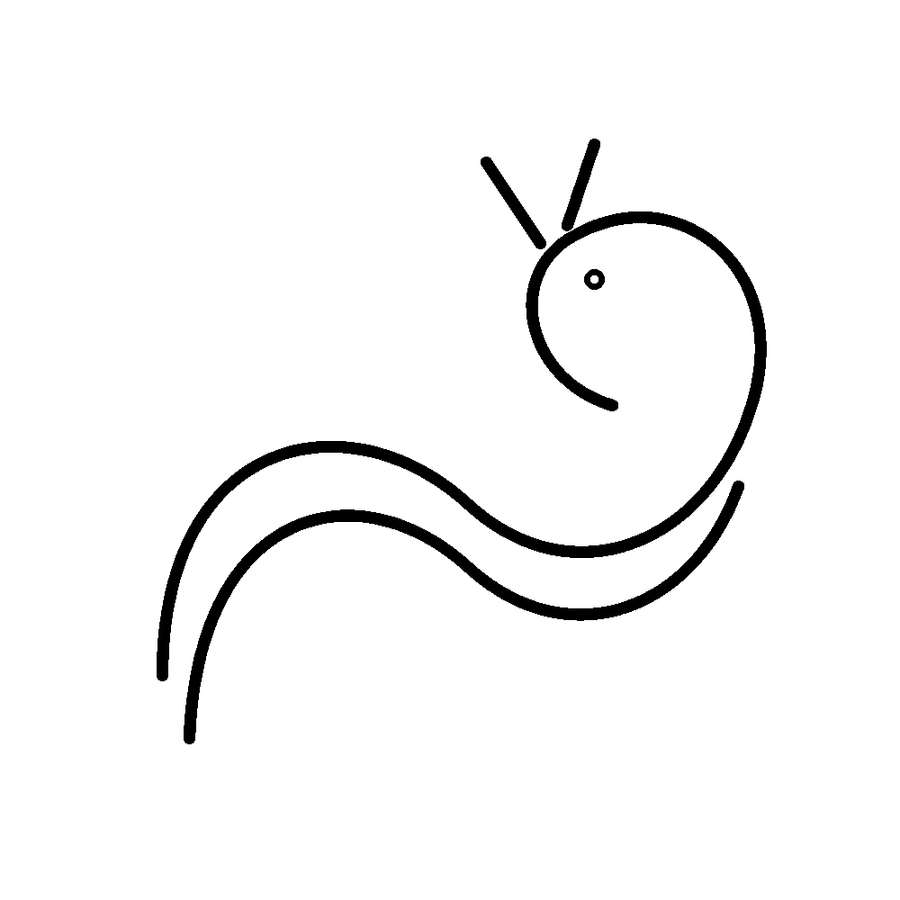
A line drawing, the kind you would export from Procreate after hiding the sketch layer. The tool cleaned the strokes instead of wrapping a second outline around them.
What this page will not pretend
Photo Tattoo Stencil does not run inside Procreate. It does not read brushes, it does not see your layers, and it does not know your canvas DPI. You export a picture. You open that picture in the browser, on the iPad, the phone, or the shop computer. The trace stays on that device. Nobody has to install our app, because there is not one.
If the Procreate file is already a clean black line drawing on white, you may not need a trace at all. You may only need a PDF at the right width. You can still drop the PNG into the maker so the export is pure black and white, mirrored if you need it, and sized in inches or centimetres. If the file is a painted portrait with soft airbrush, running it through Outline will chase the edges of the tone. Draw the stencil lines yourself on a new layer first.
1. Draw the stencil, not only the pretty picture
Keep the reference photo on a bottom layer if you used one. Put the lines you will tattoo on a layer you can show alone. Hide texture, color fills, and the sketchy construction lines. Tattoo stencils fail when the construction marks are still visible, because a thermal printer will try to burn them too.
Lettering should be the letters you are willing to tattoo, not a font preview with hairline serifs. Fine lines in Procreate look heavier on a bright iPad than they will on a thermal print. The fine line guide is the test you still have to print, even if the drawing looked finished in the app.
2. Export a boring PNG
Use Share and export a PNG. Flatten it. A transparent background can come through as a surprise edge. A white or near-white background with dark lines is the file Photo Tattoo Stencil cleans most predictably. JPG is acceptable if PNG is inconvenient. Avoid exporting a short video or a timelapse frame by mistake.
Do not email the file through a chain of chats if you can AirDrop or save the PNG directly. Each recompress softens the line. The maker accepts a paste, a drop, or a file pick. HEIC is the format that most often fails. PNG and JPG do not.
3. Decide if you are cleaning or tracing
Open the PNG in the browser tool. If the image is mostly paper and dark strokes, the tool treats it as line art and cleans specks. That is what you want for a finished Procreate outline. If the image is a full painting or a photo you pasted into the canvas, the line model traces it like any other picture. Outline keeps the stronger forms. Standard keeps more interior marks. You still delete what you would not tattoo.
There is no account, so the PNG is not filed in a library on our side. Download the result if you need it tomorrow. The picture to stencil page is the same maker if you started from a photo inside Procreate rather than from lines you drew.
4. Size it where the printer will see it
Procreate canvas inches are not the printer. Type the skin width in Photo Tattoo Stencil. Height follows the picture so you do not stretch the drawing. Mirror if the thermal transfer flips the sheet. Leave invert off. Download the PDF and print at 100 percent, not Fit to page. Measure with a ruler before you tell the client it is the size they approved.
Two copies are worth it when the first transfer might smear. They print at the width you set unless you ask to shrink them onto one sheet. A drawing wider than the paper is tiled with a small overlap. The print page spells that out, and the full stencil guide covers the transfer after the sheet exists.
5. Common Procreate exports that make bad stencils
- A colored illustration with no separate line layer.
- A white design on a black canvas. Invert in the tool is for checking. The print should be black on white.
- Tiny text that looked sharp at screen zoom.
- A screenshot of the canvas, including the toolbar. Crop the toolbar off or export properly.
- A photo you traced loosely, with the photo still visible underneath. Hide that layer.
None of those are fixed by buying another app. They are fixed by exporting the layer you mean. If you are out of transfer paper after a perfect export, the no-paper guide is the next honest page, not a second export.
Questions
Can Photo Tattoo Stencil open a Procreate file?
No. Export a PNG or JPG. There is no plugin, no share-sheet action we ship, and no account that syncs the two apps.
Should I trace a finished Procreate painting?
Only if you want the edges of the paint. For a stencil, draw the lines on their own layer and export that. Shading in the file becomes noise in the trace.
Where do I set the print size?
In Photo Tattoo Stencil, in inches or centimetres, when you make the PDF. Procreate canvas size is not a promise about the printer. Measure the print with a ruler.